
Okaloosa County Wanted Sources
The Okaloosa County Sheriff's Office does not maintain a single page labeled "Most Wanted." There is no public headcount, no set update schedule, and no fixed layout of fields. So skip the idea of one complete gallery. Private sites that claim to compile everyone wanted in the county are not official, no matter how polished they look.
Three real sources carry the weight. The OCSO Warrants Section confirms active warrants locally. The sheriff's app includes a Warrants feature, and Emerald Coast Crime Stoppers runs the regional wanted listings plus an anonymous tip line that OCSO links to. Each tool does a different job. A quick screen might flag a possible issue. Actual confirmation belongs with OCSO, the court, or your attorney.
Photos, when they exist, sit with the agency or tip service that published them. There is no universal display policy, no confirmed "Warrant Wednesday" series, no fixed reward amount, and no predictable posting rhythm. Whatever appears today, check the official source on the day it matters.
A wanted notice or warrant simply opens a case in court. What gets filed, and how it ends, can look quite different by the close of proceedings.
Okaloosa Wanted Listing Fields
With no fixed listing format in place, treat every entry carefully. A blank field does not clear anyone. A photo or description can go stale. Read only what the live official entry actually shows, write down where you saw it and when, and bring anything urgent straight to the Warrants Section for verification.
| Possible live field | How to interpret it |
|---|---|
| Name or identifier | Use it to narrow the record, then compare reliable details because common names can produce false matches. |
| Photograph | An agency image may be displayed. Its age, source, and presence on every entry were not verified. |
| Alleged warrant basis | This states the process or charge reported by the source. |
| Description or location note | Use only the live wording. No universal OCSO field set or last-known-area field was confirmed. |
| Tip instructions | Follow the stated official channel. Never use a listing as permission to approach or detain anyone. |
A court docket tells its own story. It may list a case number and the counts filed. Hearing dates go in too. It also shows how matters were resolved later. Those are court records, though. They answer a different question than a wanted screen does. A jail booking record is different again, since it starts only once someone is actually in custody. For people already arrested, the Okaloosa County booking and roster sources help separate a fresh booking from an older wanted notice.
Note: A photo or matching name alone cannot confirm identity, warrant status, or custody, so verify before acting on it.
Use Okaloosa Wanted Information
Spotting a name is just the start. What matters is passing it to the right hands. Okaloosa's wanted listings exist so the public can recognize faces and report them safely, not so anyone can play deputy. Trained personnel should always be the ones who act. If you think a wanted person is close by, get somewhere safe first, then make the call. Following a car or confronting someone yourself is a bad idea every time. Keep what you know to the officials too. Spreading an unverified claim as fact can cause real harm.
- Open the official source. Begin with the OCSO Warrants page, sheriff app, or the Crime Stoppers resource linked by OCSO.
- Read the live notice carefully. Compare the name and any reliable identifiers shown, but treat all charges as unproven.
- Record useful facts safely. Note the place, time, direction of travel, and other first-hand details without approaching the person.
- Use the listed tip route. Send the information to Crime Stoppers or law enforcement, based on the source’s current instructions.
- Let officials respond. Do not investigate, detain, threaten, or publicize a suspected match.
The sheriff's office keeps its own collection of resources, and that is where any search should begin. Rather than a list assembled elsewhere, the sheriff's official quick links pull sheriff resources together in one place.
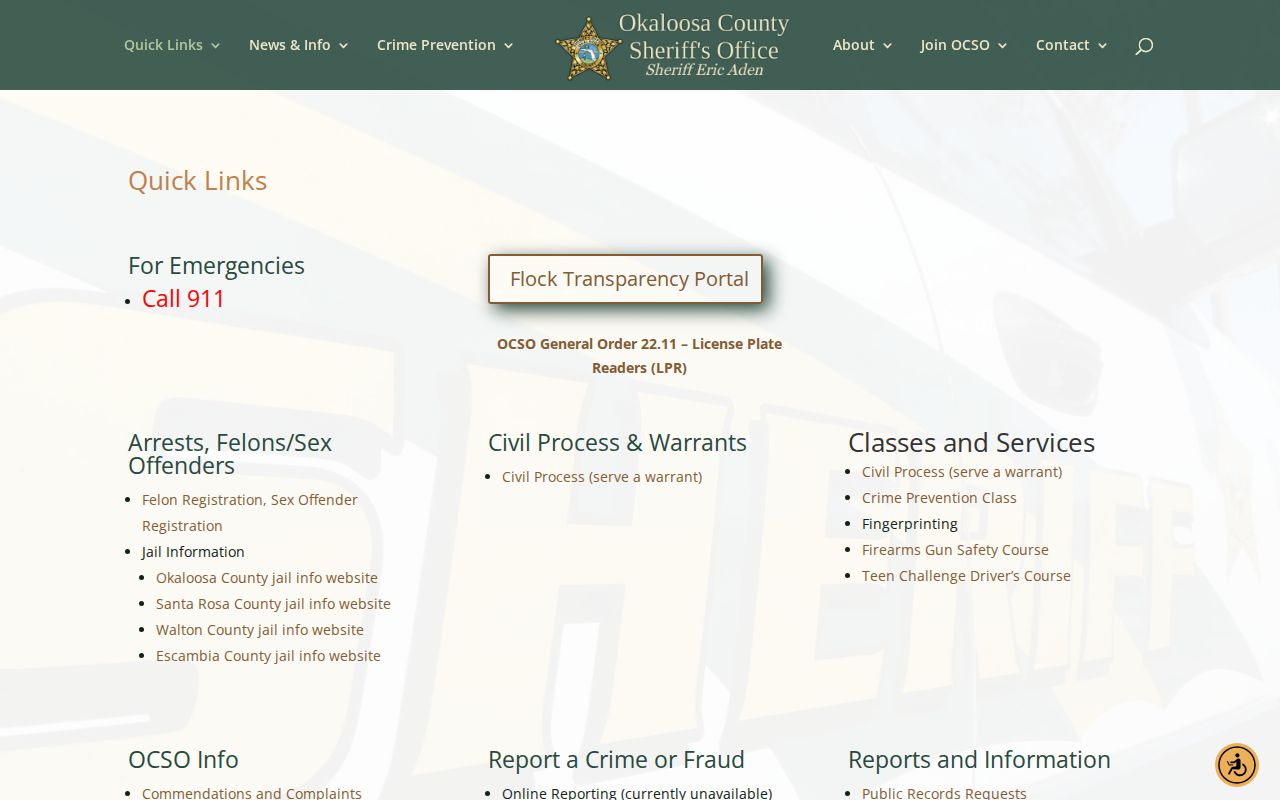
The takeaway is simple. Use the official agency and tip links, and confirm a specific warrant with the office that issued it.
Check an Okaloosa County Warrant
Want to know if a warrant exists in Okaloosa County? There is no public online warrant search run by the sheriff's office. The Warrants Section handles the confirmations. That unit processes court warrants, criminal process, civil commitment orders, and outside-agency warrants for people believed to be in the county. The office also enters and validates warrant data in FCIC and NCIC. Those systems serve law enforcement, not the browsing public.
Two free tools offer a starting point. The sheriff's app and ClerkQuest can both hint at trouble. Neither one clears you legally. A blank screen or a missing docket can mean restricted records, spelling issues, timing, or a different jurisdiction entirely. Anyone who suspects a warrant touches them should ask an attorney, the court, or the Warrants Section directly.
ClerkQuest works best as a court-record cross-check rather than a warrant database. Its person search asks for a first and last name, though an asterisk in the first-name box lets you search by surname alone. You can also query by case number, citation, case type, or date range. Results are capped. Common surnames need narrow dates and careful identity matching. Dockets may show charges, hearings, pleas, and sentences where available, while sealed or confidential matters return less. So a empty result is not the same as no warrant. It only means no matching public entry appeared.
Jurisdiction matters too. OCSO handles local court process plus certain out-of-county warrants, but a court somewhere else may own the underlying paper. Give OCSO or your lawyer the exact identifiers that raised the concern, and the right issuing authority can be found without guesswork.
- Gather precise identifiers. Use the full legal name and, when appropriate, the related case number or date.
- Review the OCSO resource. Check the Warrants Section instructions and the sheriff app’s informational Warrants feature.
- Cross-check the court case. Search ClerkQuest for related public docket entries, filed charges, and case events.
- Confirm through the proper channel. Contact OCSO Warrants or have an attorney communicate with the court and agency.
- Arrange a safe legal response. Follow counsel or court instructions. Do not seek ways to avoid service or arrest.
The captured OCSO Warrants Section page shows the local office itself rather than any public search portal.
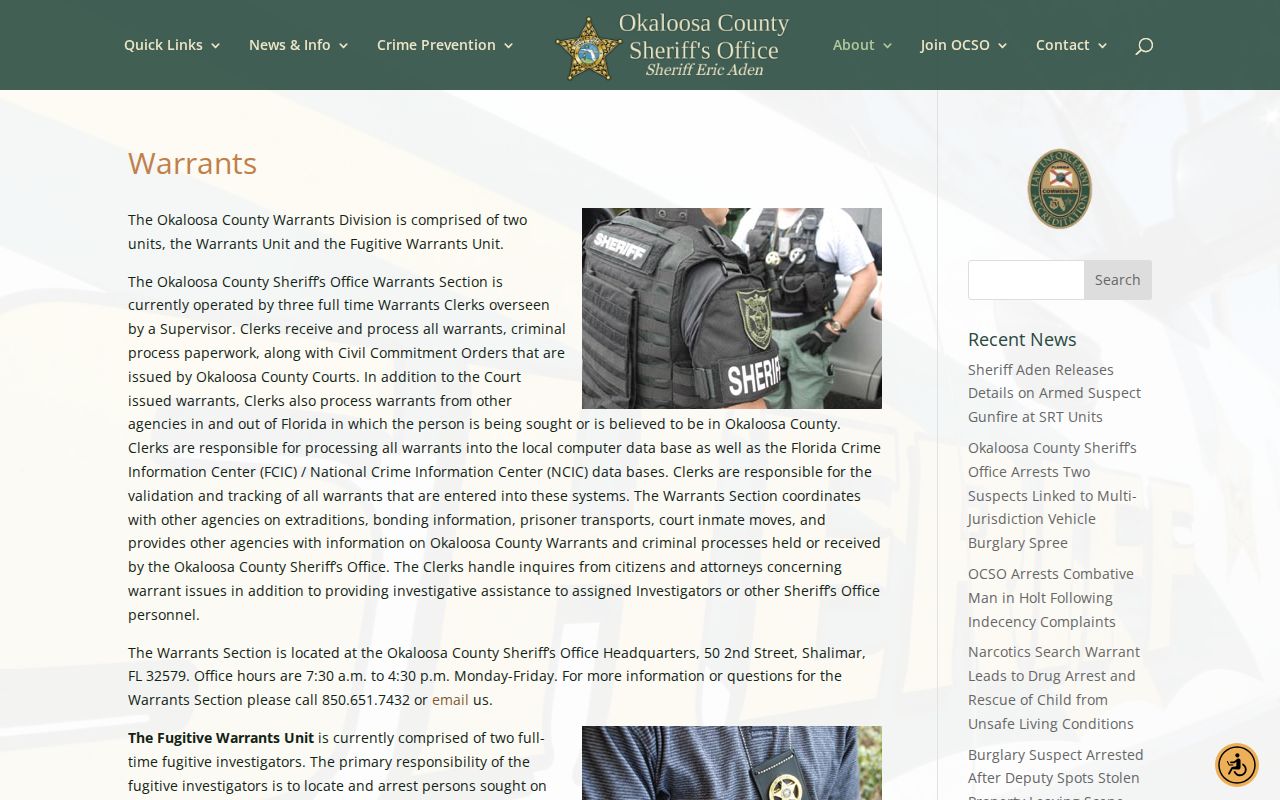
That distinction matters. An incomplete web search never proves a warrant is absent.
Okaloosa County Warrant Types
The Warrants Section names only a few categories it actually processes. The sheriff's office does not list generic warrant types. So no broad labels appear here. The terms below reflect what the unit says it handles. They say nothing about whether a matter is active or how a judge might treat it.
| Supported category | What the research establishes |
|---|---|
| Okaloosa court warrants | Local warrants issued through Okaloosa court process and handled by OCSO’s unit. |
| Criminal process | Criminal judicial documents assigned to the Warrants Section for service or tracking. |
| Civil commitment orders | Court orders within the unit’s published processing responsibilities. |
| Outside-agency warrants | Warrants from another agency involving a person sought or believed to be in Okaloosa County. |
Do not confuse these categories with a most-wanted feature. A wanted notice picks certain matters for public attention. The Warrants Section works with a much larger body of process behind the scenes. A name missing from a wanted page tells you almost nothing about whether a warrant exists.
Okaloosa Sheriff App Shortcuts
The "Okaloosa County Sheriff" app is the county's own mobile shortcut. OCSO's launch announcement lists its features. They include Warrants, Submit a Tip, Recent Arrests, News and Events, Social Media, Sex Offenders, Contact Us, and Push Notifications. The arrest feature was advertised as showing people OCSO arrested in the past week. That seven-day window can outlast a person's actual time in jail. It may also leave out arrests made by city agencies.
No published material confirms a photo field for every entry. Nor is there a stated real-time update schedule. Treat the Warrants feature as informational only. The Recent Arrests list does not prove current custody either. Check custody through Okaloosa County Corrections. Confirm court outcomes through the clerk.
The official OCSO app announcement documents the feature set and the past-week arrest window.
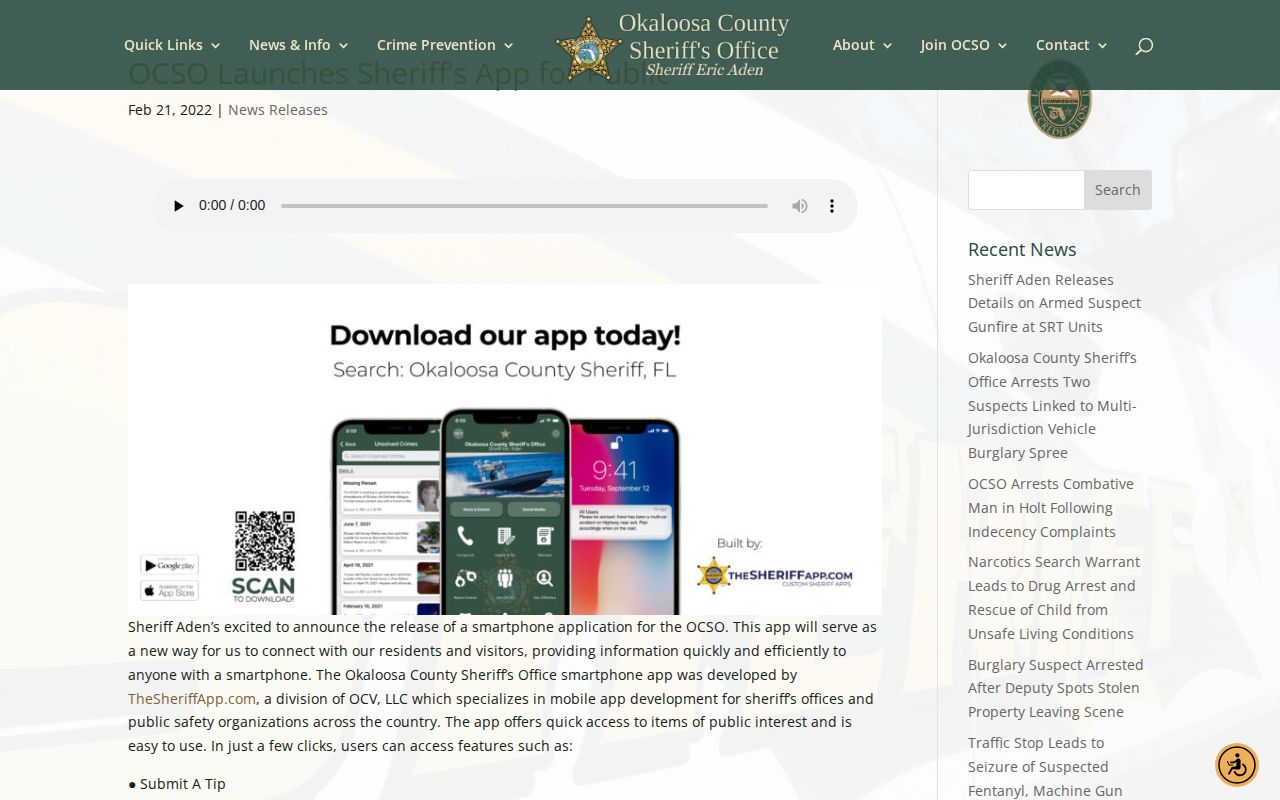
The app bundles warrants, tips, news, and alerts in one place. Each result still needs confirmation from the agency that owns the record behind it.
Note: OCSO news and social posts are selective public information, not a complete wanted list or county arrest ledger.
Okaloosa Wanted Tips and Safety
Emerald Coast Crime Stoppers is the regional tip and wanted resource that OCSO links to. Its live interface changes often, so no fixed wanted count, tip method, anonymity promise, or reward figure can be stated. Check the service's current terms before you submit anything. Call emergency services if a threat is immediate.
Okaloosa County Sheriff’s Office Warrants
50 2nd Street
Shalimar, FL 32579
850-651-7432
Monday through Friday, 7:30 a.m. to 4:30 p.m.
Never approach, follow, or try to hold a wanted person. Do not turn a tip into a public accusation. Share first-hand facts with the official channel, then allow law enforcement to assess identity, risk, and current status. A person named in a warrant or wanted entry remains presumed innocent unless a court proves guilt.